
Coming Up: Make MS Word Work for YOU
A Hands-On Workshop on Saturday, November 18

After taking this workshop, you might even end up liking Word! (Maybe just a little bit.)
Are you slogging through revising documents onscreen, giving your fingers more of a workout than your brain? Do you find making edits in Word time-consuming and annoying, a drain on your focus and creativity?
Expert instructor Adrienne Montgomerie shows you how to level up your Word game and lighten your workload. Get the software to do the heavy lifting, so you can focus on the meatier issues in your writing or editing project! Learn skills that make editing faster, more accurate, and efficient.
During the course, you will be guided through the steps on your own familiar laptop. There will be opportunities to practice and trouble-shoot. Coffee and lunch breaks will give you time to network and process what you’ve learned.
Workshop Topics
- Get the most out of Track Changes.
- Speed up editing with shortcuts and customizations.
- Make formatting a snap with Styles.
- Automate complicated or tedious tasks with macros.
- Use wildcards to turbo-boost the search-and-replace function.
- And much more!
Registrants will be surveyed before the course to determine which topics they most want to focus on. Any material not covered in the workshop will be included in a 100-page handout with demo video support, so you can keep learning on your own time and review what we covered when it comes time to put it to use.
Registration is limited to 25 people.
What You Need
- Mac or Windows laptop loaded with MS Word—preferably Word 365 or Word 2016, though efforts will be made to support a couple of versions prior. (Note: For this workshop to be useful, you must have a version of Word that includes track changes and comments. Web-based programs such as Open Office are not sufficient.)
- Good understanding of basic Word functions such as menus and ribbons, cut, copy, paste, undo, save as, spellcheck, bold, italic, and indenting.
- Good fundamental computer skills such as mousing, keyboard navigation, and file management.
- Good night’s sleep and confidence that you can make Word work for you!
About the Instructor
Adrienne M ontgomerie has been teaching people to make nice with Word since 2003. This specialized editors’ course has been a sellout since she first offered it in 2012. She is a Certified Copyeditor and a 20-year veteran of freelance editing. She used to work mainly on high school science materials, earning her the moniker of scieditor, and today she can be found on the roster of Canada’s largest remaining publishers when she’s not teaching and writing about editing. Right Angels and Polo Bears is her home base.
When: Saturday, November 18, 9:30 a.m. to 4 p.m.
Instructor: Adrienne Montgomerie
Early-bird price (until October 20):
- $160 Editors Canada members
- $140 student affiliates
- $195 non-members
Regular price (after October 20):
- $185 Editors Canada members
- $160 student affiliates
- $220 non-members
Includes lunch by Epicurious!
For additional information, contact Elizabeth d’Anjou at elizabeth@danjou.ca or Nancy Wills at nancwills@gmail.com
For more about Editors Kingston, see www.editorskingston.org
Editors Kingston is a part of Editors Canada, Canada’s national professional editing organization.
Keyboard photo by John Ward. Used through Creative Commons licence.





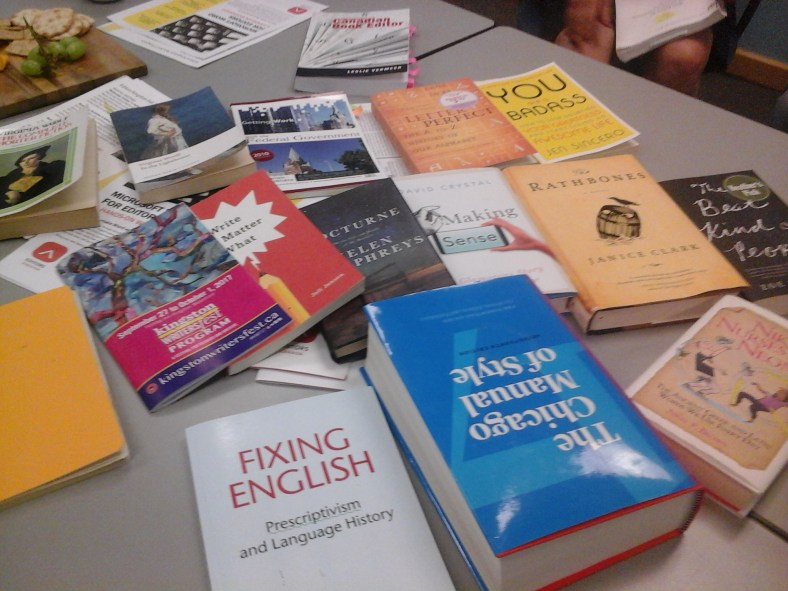


 The Word for Editors seminar is on! Now scheduled for Saturday, November 18, at the Tett Centre, it’ll be a great opportunity to improve your mastery of the tool most editors use every day. Learn tips and tricks to work more efficiently and effectively from Kingston’s own editing tech guru Adrienne Montgomerie, take home a comprehensive handbook (including links to video tutorials), and enjoy the opportunity to network over a tasty lunch.
 Can’t attend the
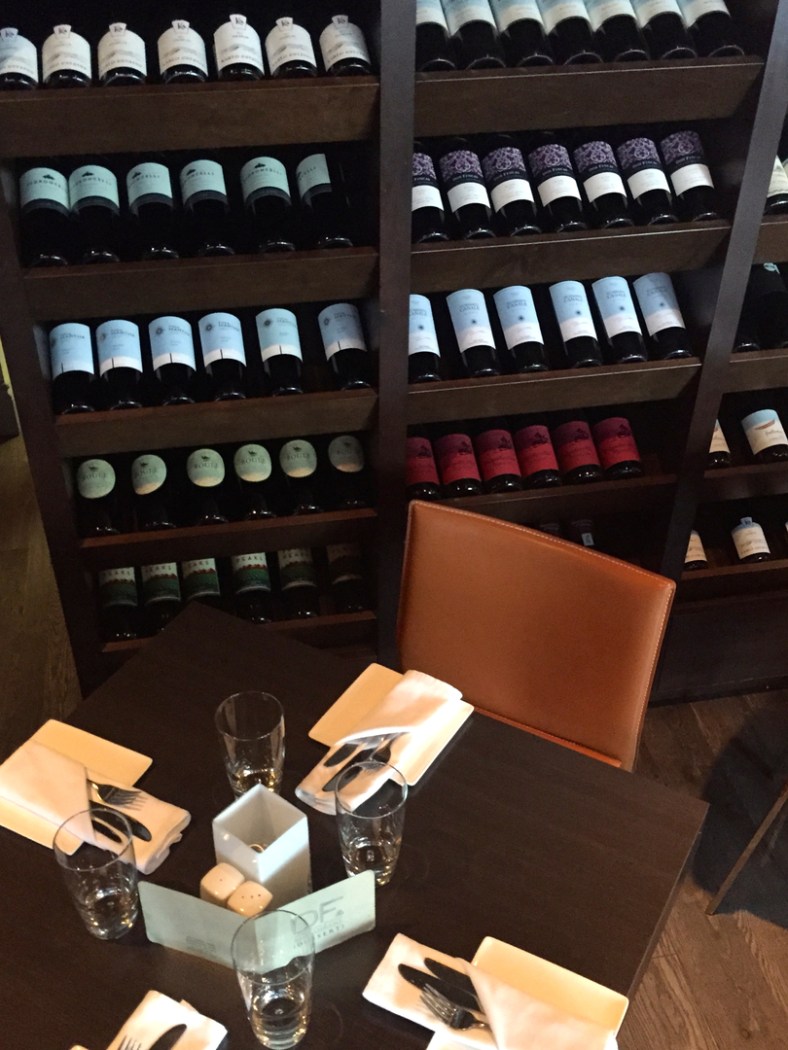 The daily special, a pasta with scallops, chorizo, and feta, was a hit at the Twig Spring Social─at least half the table ordered it, and many a plate was cleaned. The calamari Grace ordered were also so much admired that she offered to share.
 Instead of having a meeting in May and a social in June, we’re switching things up this year. Our May 10 gathering will be a social at
 ng your fingers more of a workout than your brain? Learn to turbo-boost Word and lighten your workload. Get the software to do the heavy lifting, leaving you to tackle meatier and more interesting editorial issues. Learn skills that make editing faster, more accurate, and efficient. You may even end up liking Word (just a little bit).
 editorskingston.org
